Using “Tour Types”
What are Tour Types?
Creating "Tour Types" is one of the ways TourTheSchool saves school administrators time. With or without TourTheSchool, most schools offer one or two "types" of tours--maybe daily individual tours (tours for one family at a time) and monthly group tours, or one weekly group tour for their infant program and one weekly group tour for their preschool program.
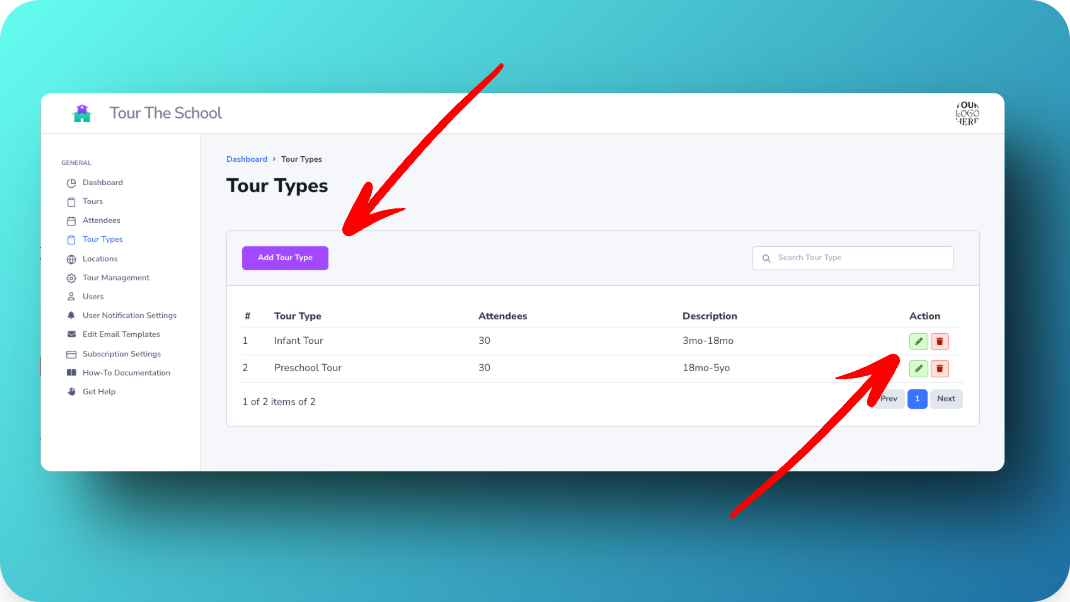
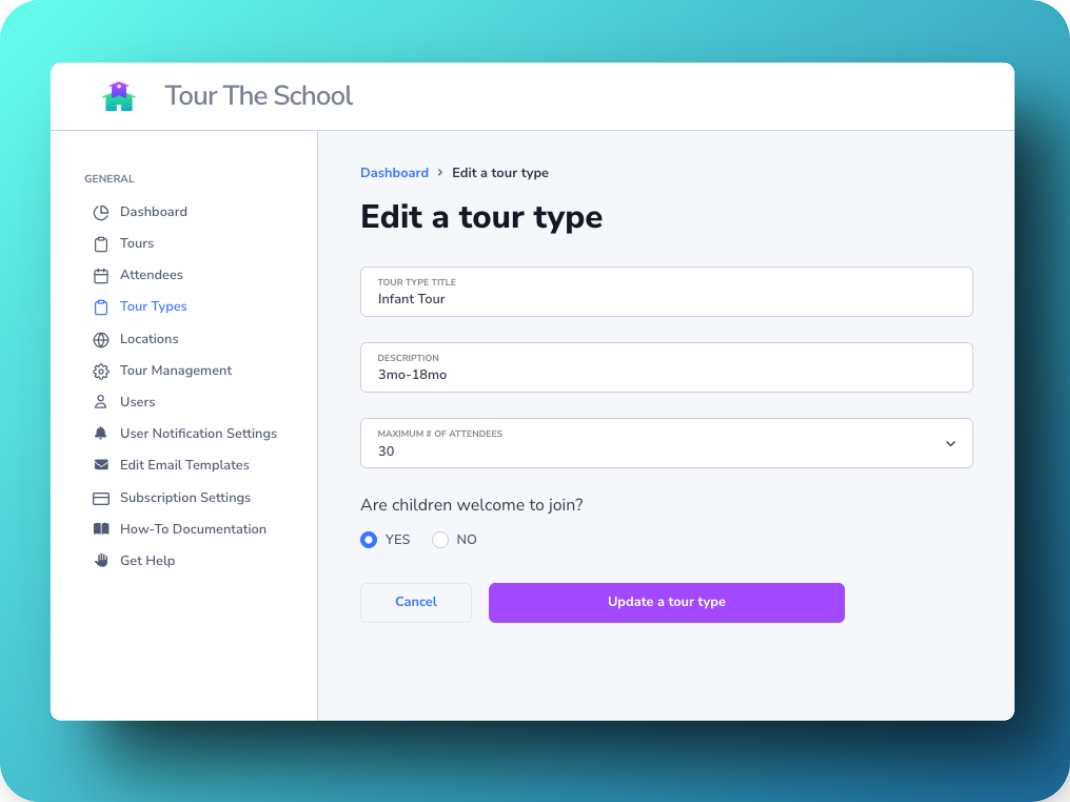
A Tour Type in TourTheSchool is basically a template for scheduling tours, with a name (e.g., "Individual Tour" or "Preschool Program Tour"), description, maximum number of attendees (e.g., 1 = 1 family, with two parents able to attend), and whether child can or cannot join the tour.
How to add, edit, or remove Tour Types
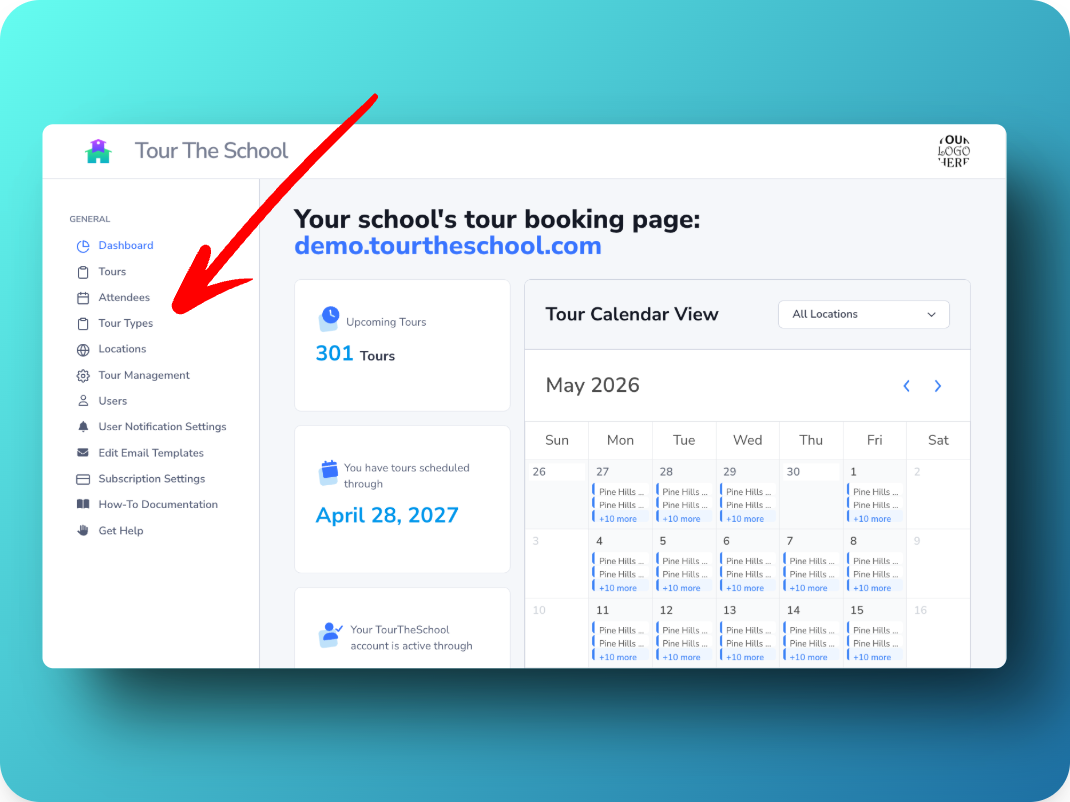
In your school’s TourTheSchool dashboard, you can add, edit, or remove Tour Type from the Tour Type page:
How to use Tour Types
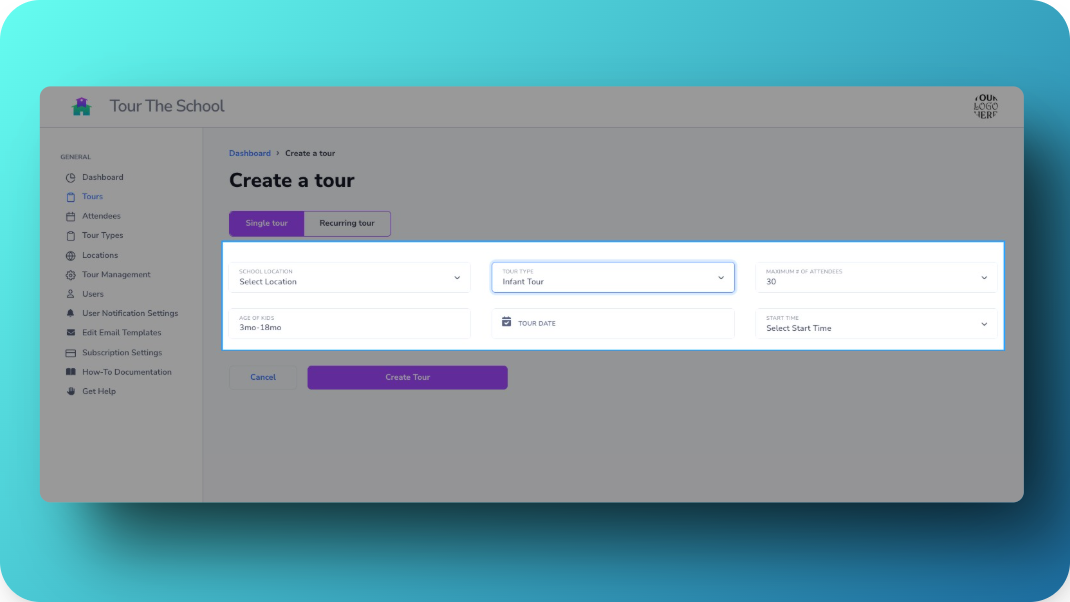
When you add a tour (make a new tour available for parents to sign-up for online), simply select one of your Tour Types from the drop-down menu.
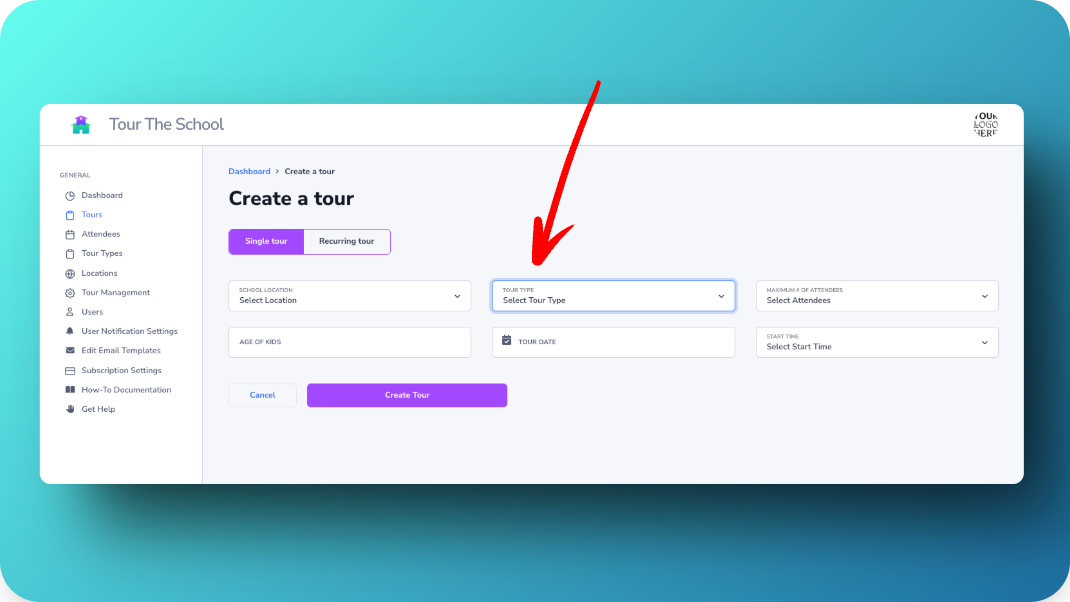
This will auto-fill the maximum number of attendees and tour description. You just have to pick the new date and time for the tour.