Add to Calendar Buttons
The “Add to Calendar” button
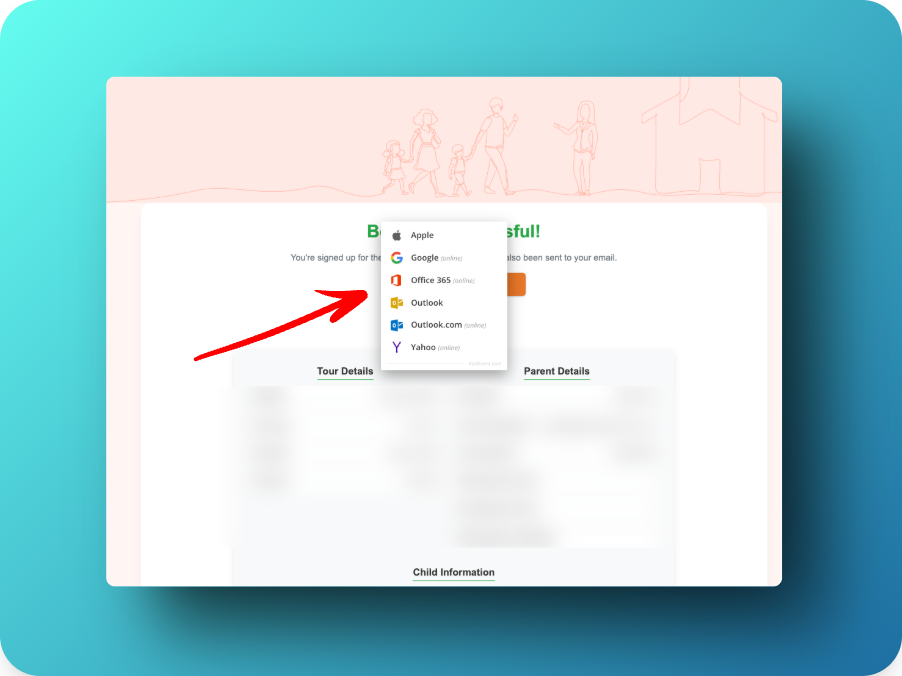
You and your staff, and families who sign up for a tour, can now add the tour to a calendar quickly, in just a few clicks. The button will let you add it to any of the major online calendars (Apple, Google, Office365, Outlook, Yahoo).
Where the button appears for families
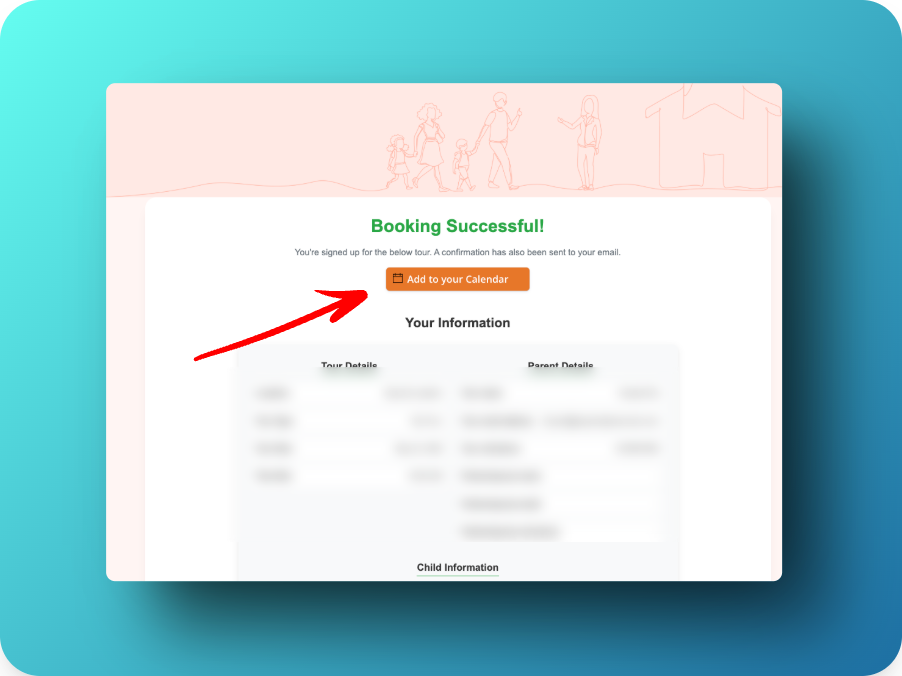
Families will see the “Add to Calendar” button on the confirmation page they see as soon as they register for a tour, as well as in the confirmation and reminder emails.
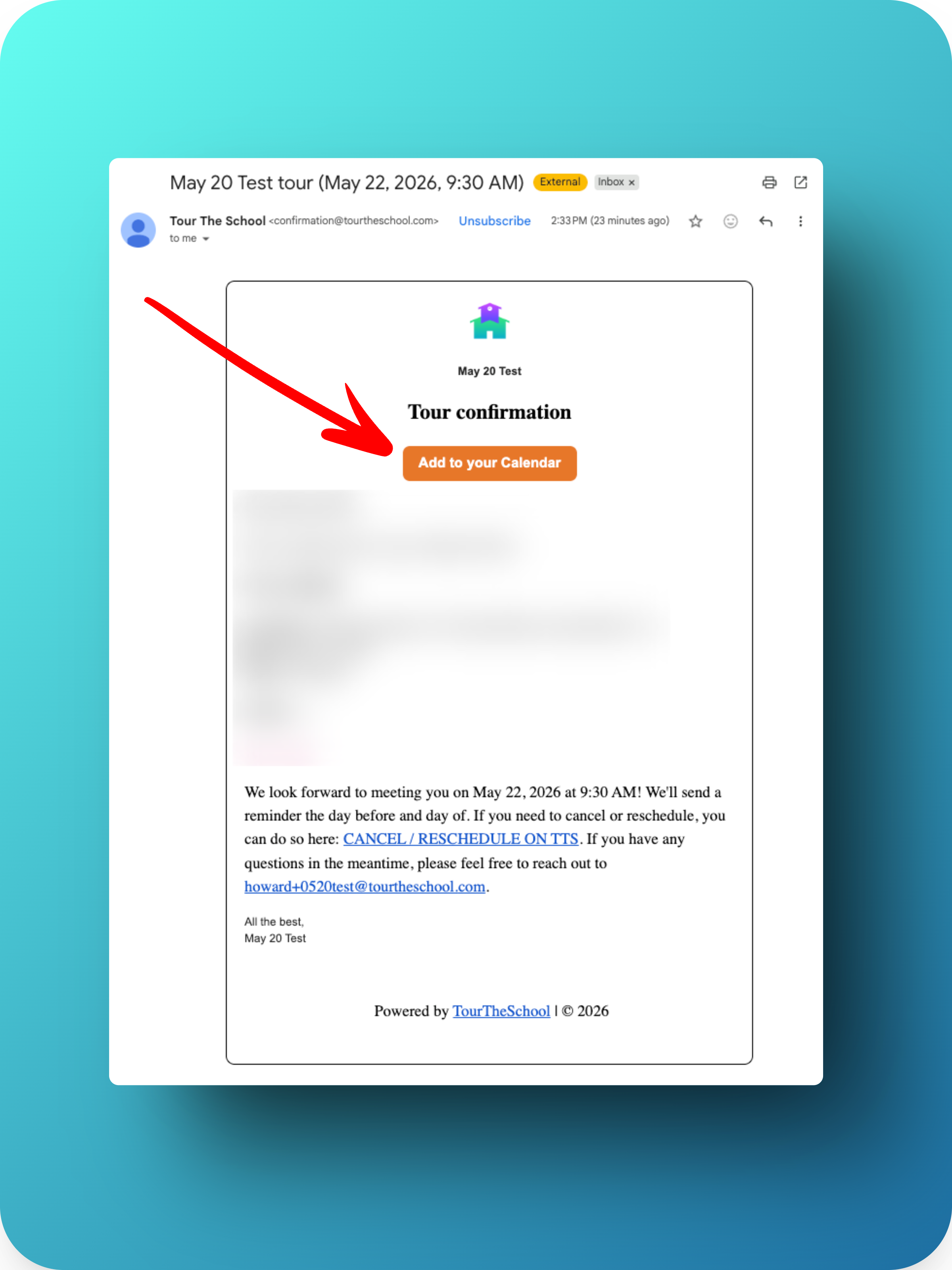
Where the button appears for staff
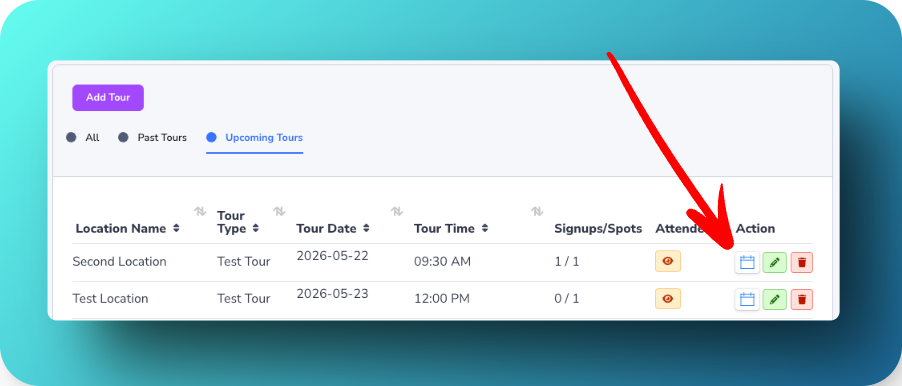
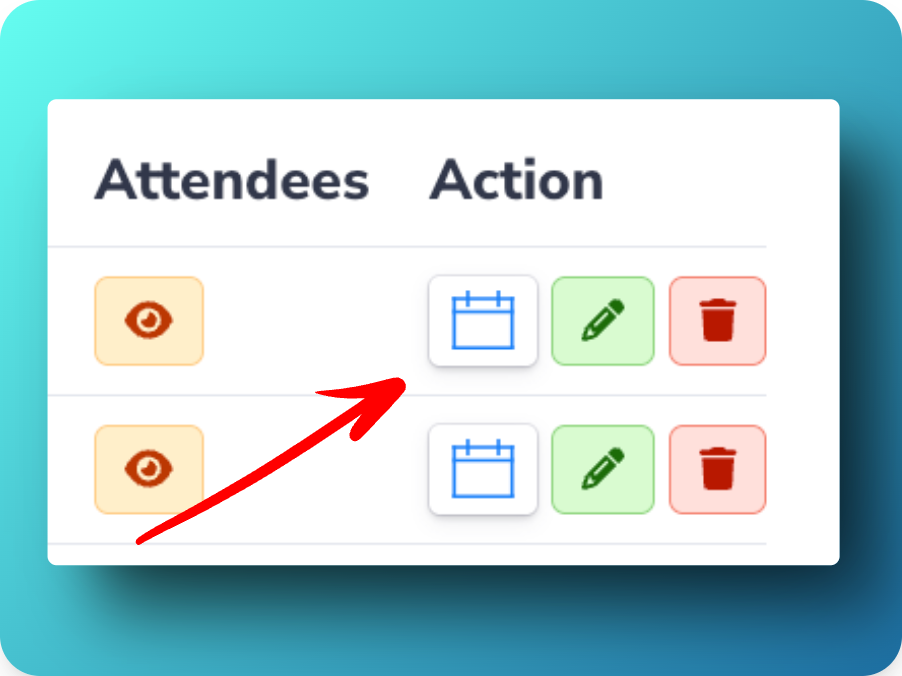
The email confirmation your school receives when someone registers for a tour contains the same “Add to Calendar” button. You can also add tours to your calendar directly from your TourTheSchool dashboard by clicking the calendar icon next to the specific tour you want added to your calendar: