Getting Started with TourTheSchool
Enroll more kids with TourTheSchool
If you're spending hours every month scheduling family tours by email and phone, TourTheSchool is going to get you that time back.
Your school will get more tours, because families will be able to book directly online instead of having to email or call.
You'll see fewer tour no-shows because we send automated reminder emails and texts.
With more tours and fewer no-shows, your school will enroll more kids compared to booking tours just by email and phone. A TourTheSchool subscription more than pays for itself after just one extra enrollment.
In just a few minutes, you'll be able to let families book tours online, no technical know-how required.
Create your TourTheSchool account
Create a TourTheSchool account for your school at https://dashboard.tourtheschool.com/register. It's a short and simple step-by-step registration process. You can use TourTheSchool free for 30 days (no credit card required). After you go through the registration process, you'll get an email to verify your account. Just click the link to verify and go to your TourTheSchool dashboard.
Add all your locations
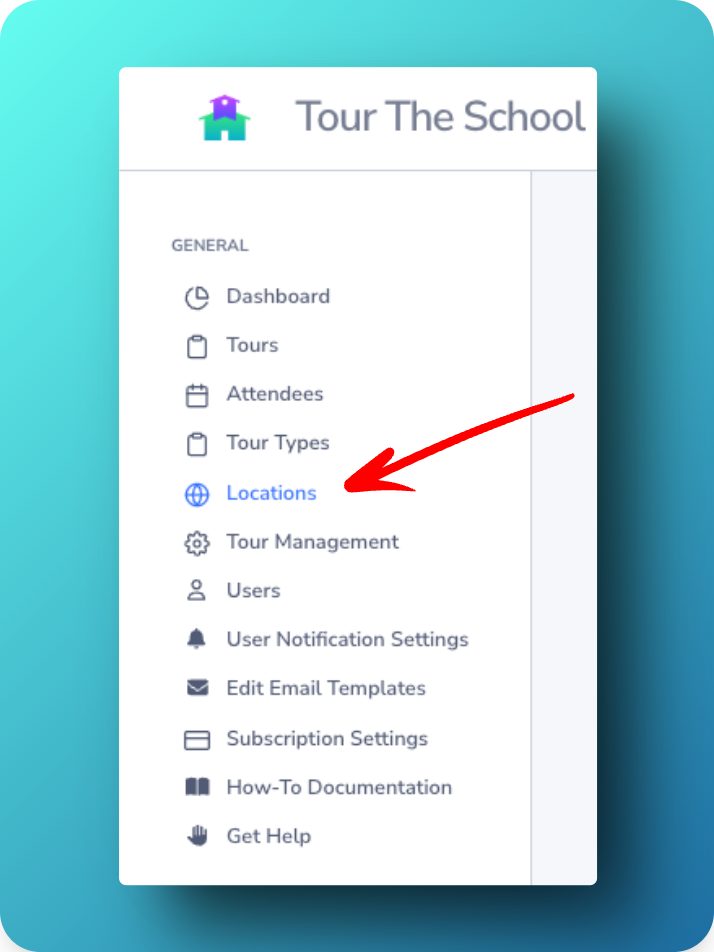
During the registration process, you set up the first location for your account. If that's the only location you have, you're all set! If you have additional locations, add each one in the Locations tab in your dashboard.
Add more Tour Types (if you want)
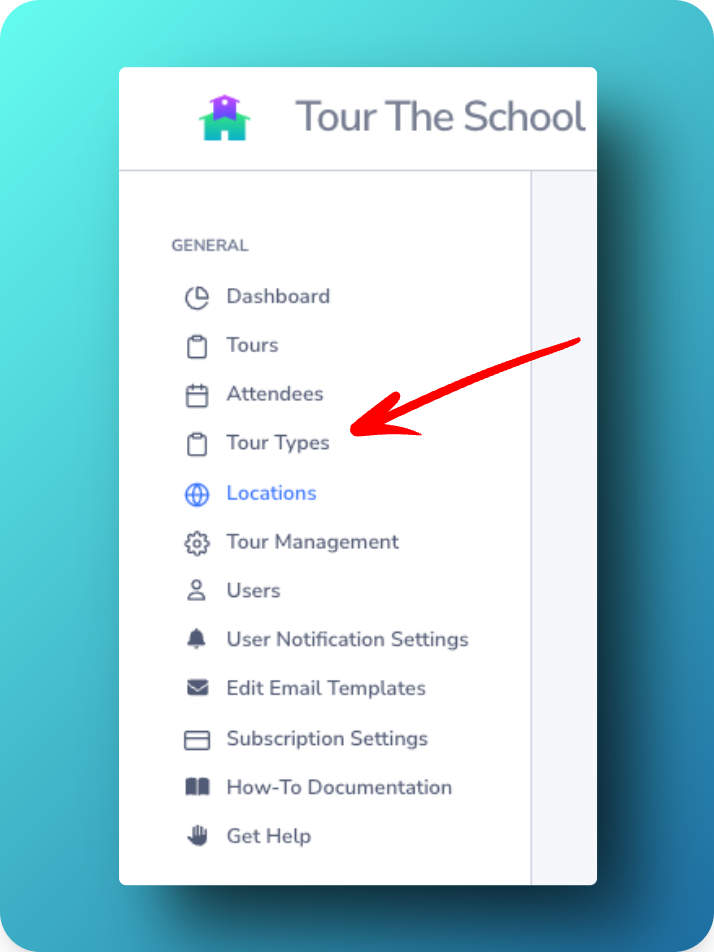
The registration process will guide you through adding a Tour Type. If that's your only Tour Type (e.g., you've set up "Individual Tour" as a Tour Type, and that's the only kind of tour you offer), you're done with this step! If you want to create more Tour Types, however (e.g., you offer separate tours for your infant and preschool programs, or you want to be able to offer individual tours and small group tours, you can create more Tour Types in your school's dashboard.
Note that Tour Types can apply to any or all of your locations, so if you have three locations and you want to offer an "Individual Tour" at each location, you only need to create the one Tour Type for "Individual Tour." When creating tours, you'll pick the location, Tour Type, date, and time.
Add as many tours as you like
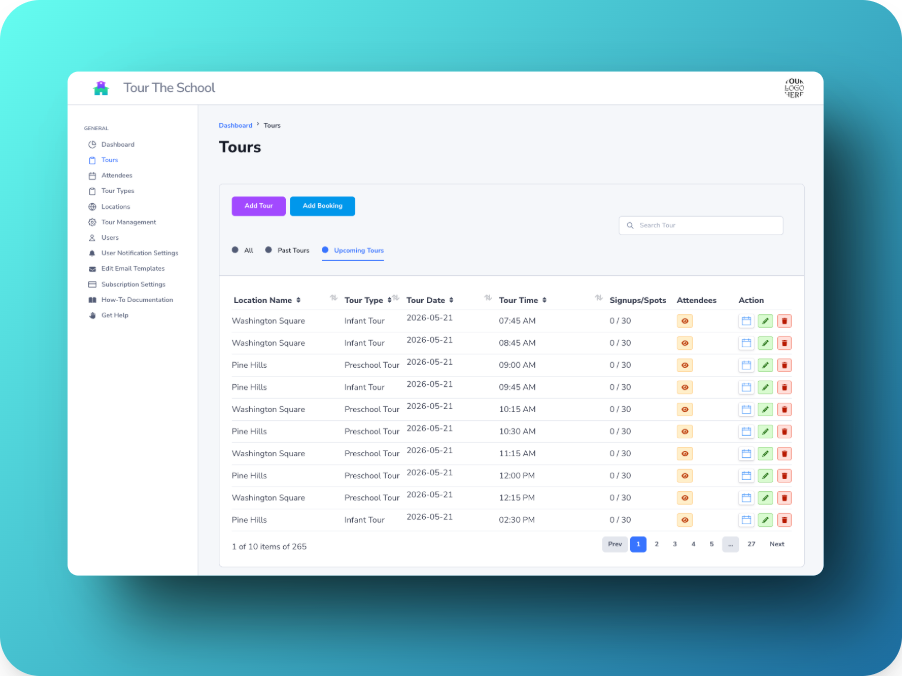
The registration process will guide you through adding your first school location and scheduling your first school tour. In your TourTheSchool dashboard, you'll be able to add more locations if you have them, and add more tours (in the Tours page or by clicking "Add a Tour" on the dashboard homepage).
If you offer the same tour at the same time and same day of each week (e.g., every Monday at 10am), you can create a recurring tour.
Just pick the location and Tour Type, which will automatically fill in the maximum number of attendees and tour description fields. Then pick date and time and click Create Tour. The tour has been added and is now available on your booking page for families to book!
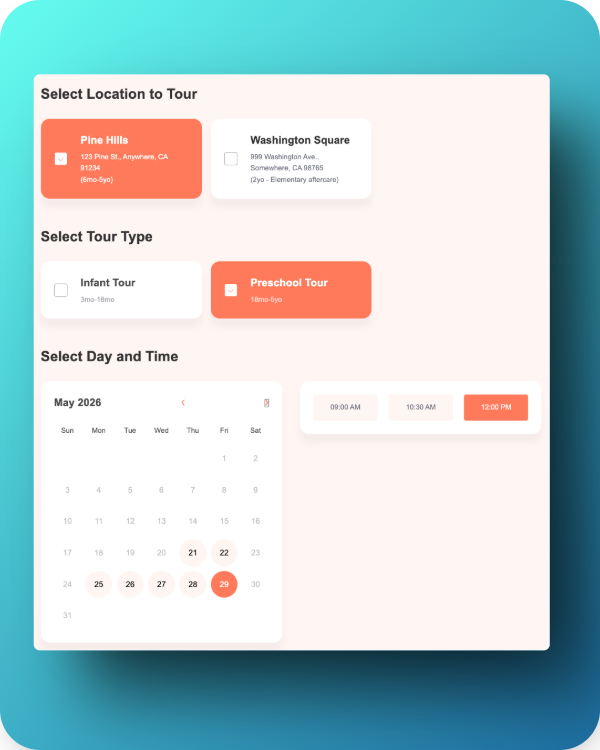
Add a “Schedule a Tour” button to your website
The most important step is to direct interested families to your TourTheSchool booking page.
The best way is to add a button or link on your website that sends interested parents to your new TourTheSchool booking page. Exactly how you do so will depend on where your website is hosted and who manages it.
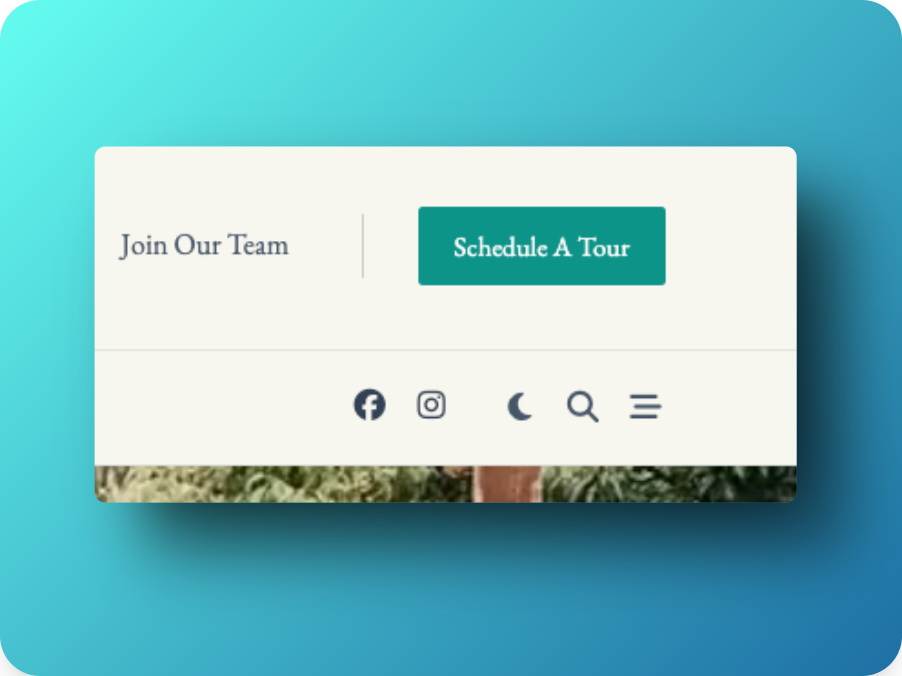
Where you place the button or link and what it looks like is up to you, though research has shown that a button in a high-contrast color at the top-right corner of the screen is the place people are most likely to look and click:
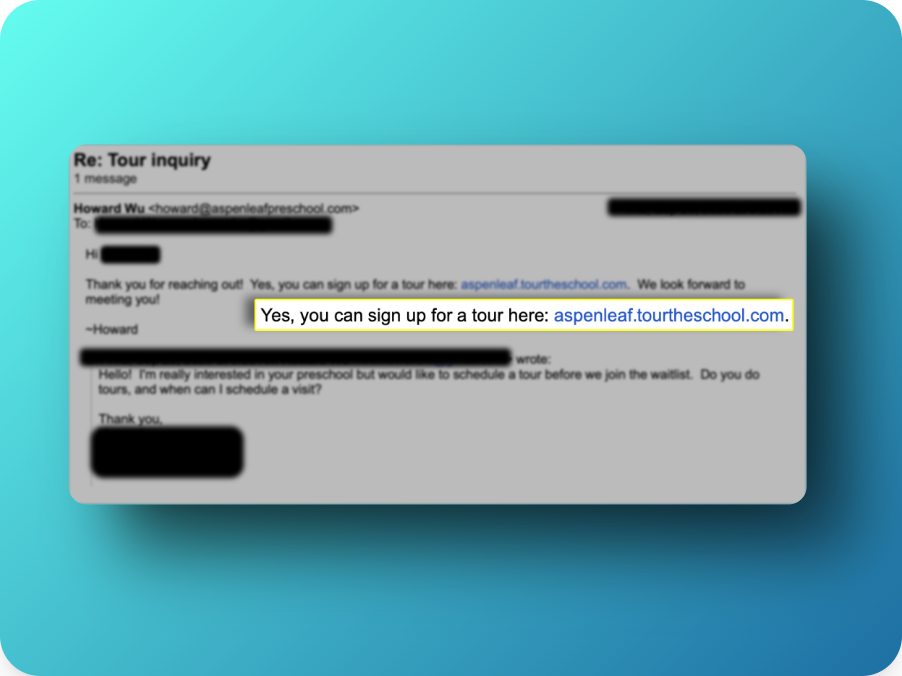
Send the link to people interested in a tour
With or without a link on your website, you can send people directly to your booking page by sending them a link in an email, text message, or on printed materials with a link or QR code: